A live explainer page
The link you actually forward. A bespoke, art-directed walkthrough at its own URL — a real architecture diagram and a real data-flow diagram, drawn from your code itself.
the page you shareopen source · free · no login
Point explainmyrepo at any GitHub repo. It reads the real source and builds a cinematic, art-directed explainer — the page you proudly forward, a repo you own, and a downloadable AI knowledge pack — carrying a stranger from “never seen this” all the way to “oh, I get it. I want this.”
PUBLIC repo? Build it right here — no keys, no install
Starting up…
Your explainer is live: opening…
Something went wrong. Please try again.
PRIVATE repo you own? Run it inside VS Code / Claude Code
Your editor already has everything this needs: the keys in your .env, the GitHub login
that can see your private repo, and your Claude Code subscription to do the thinking.
Add one OpenAI key and paste:
npx explainmyrepo <github-url>
Why this exists
It isn’t that the tool is bad. The introduction is. Engineers ship things assuming people already know why they’d care — and they usually don’t. That costs you twice in the age of AI:
A human lands on your repo, doesn’t get it in thirty seconds, and leaves — the work was great, the welcome wasn’t.
An AI (Claude Code, Cursor) gets asked about your repo and guesses, because it has no grounded understanding of the actual source.
What you get
Each one is grounded in your repo’s real source — no invented features, no confident guessing.
The link you actually forward. A bespoke, art-directed walkthrough at its own URL — a real architecture diagram and a real data-flow diagram, drawn from your code itself.
the page you shareYou’re invited as a collaborator on the explainer’s own repository, so you can edit it any time. It’s yours — separate from your app’s repo, never tangled with it.
yours to editA drop-in .zip: a real RVF vector knowledge base, a search CLI and an MCP server — so Claude Code or Cursor answer about your project from the real source, not a guess.
And the builder itself does more when you clone it: npx explainmyrepo capabilities
lists verified local companions — today, a shareable trailer and a
social loop rendered from your page’s own assets for ~$0.
The process
This is the part you couldn’t be bothered to do by hand — and the part that makes the result look like a serious team built it. One brain runs your repo through an ordered sequence, and loops on the quality gate until it’s genuinely good.
The quality gate
A generic generator emits something and stops. explainmyrepo does not ship until an independent critic and a set of owner-signed questions both pass — on mobile and desktop.
On both devices, the operator must answer YES to all six — looking at the real screenshots:
Get seen
Breaking through the noise on GitHub is almost impossible unless you’re already a name. So every explainer ships the professional touches that make your work look credible — and widen the circle of people (and AIs) who’ll actually find it.
Real meta tags, sitemap.xml, robots.txt and an llms.txt — so search engines and AI crawlers find it and represent it correctly.
16 / 32 / 48 / 192 / 512, an .ico and an apple-touch icon — so the browser tab, the bookmark and the home-screen shortcut all look intentional.
A designed Open Graph card with your tagline baked in — so a link dropped in Slack, X or iMessage unfurls as a rich, elegant preview instead of a bare URL.
One brain, three doors
The whole brain is a single Claude Code skill. Three thin doors run the identical engine — pick yours by one question: is the repo public, and whose keys should do the work?
The zero-setup door. Public repo? Paste the URL above — no keys, no install, nothing to configure. We build it, host it, and email you the link.
explainmyrepo.isovision.ai
Best run inside VS Code / Claude Code, in a project whose
.env already holds an OpenAI key (art + grading) and a Netlify token (the
live URL — optional). Logged into Claude Code? The brain runs on your subscription —
no Anthropic key needed. Private repo: gh auth login first. The command
checks all of this up front and tells you exactly what's missing.
npx explainmyrepo <github-url>
Install once, then explain any repo with a slash command from inside Claude Code — same brain, your session does the thinking.
/explainmyrepo <github-url>
Real examples
Each was generated end to end and held to the same gate — unique by default, reliably great by construction. Open any of them.
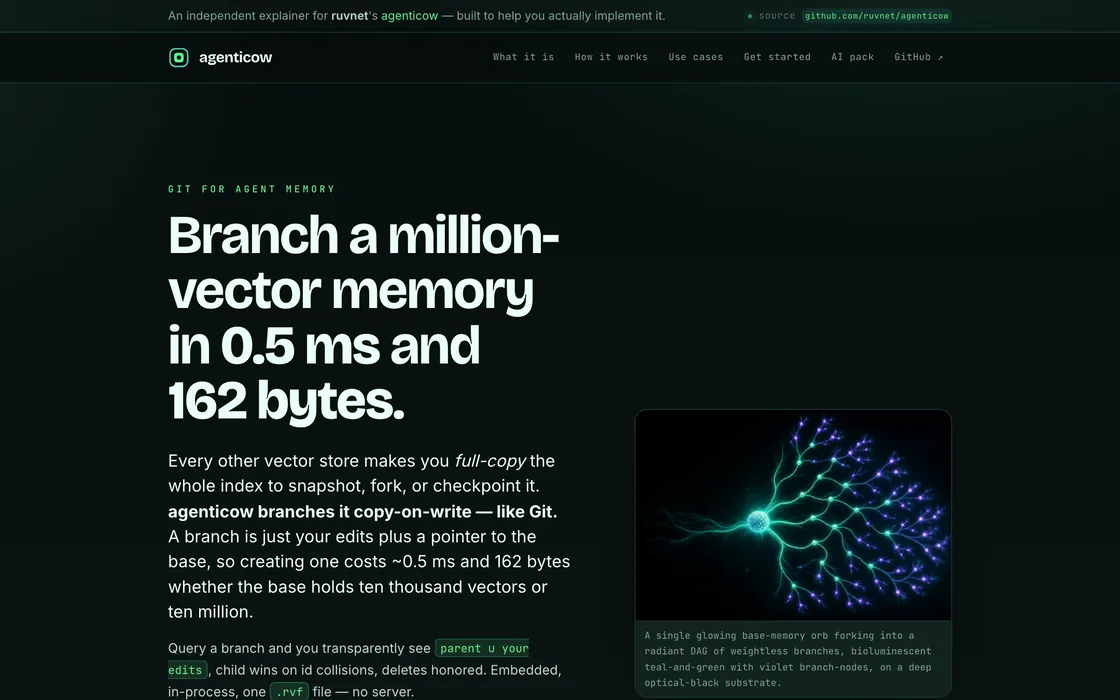
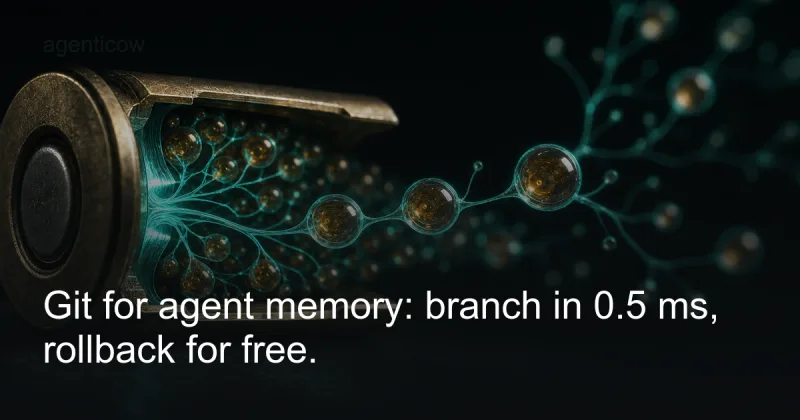
Git for agent memory — copy-on-write vector branching: fork, checkpoint or roll back a whole memory in milliseconds.
View explainer
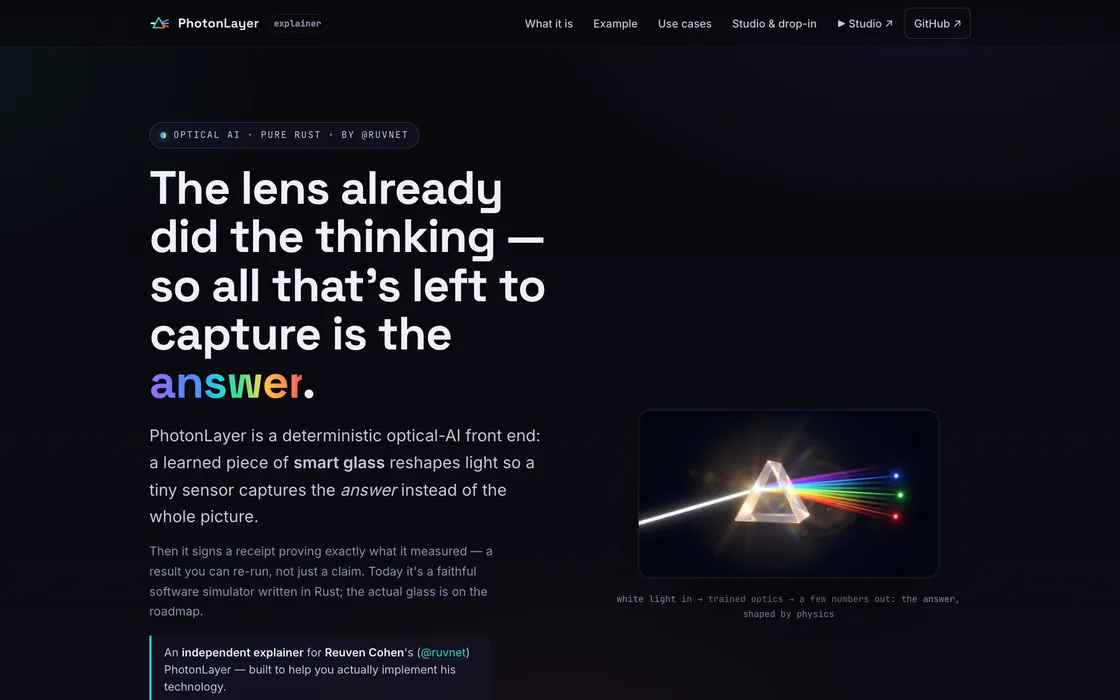
Optical AI — light computes the answer before any chip wakes up; a learned piece of glass does the math.
View explainer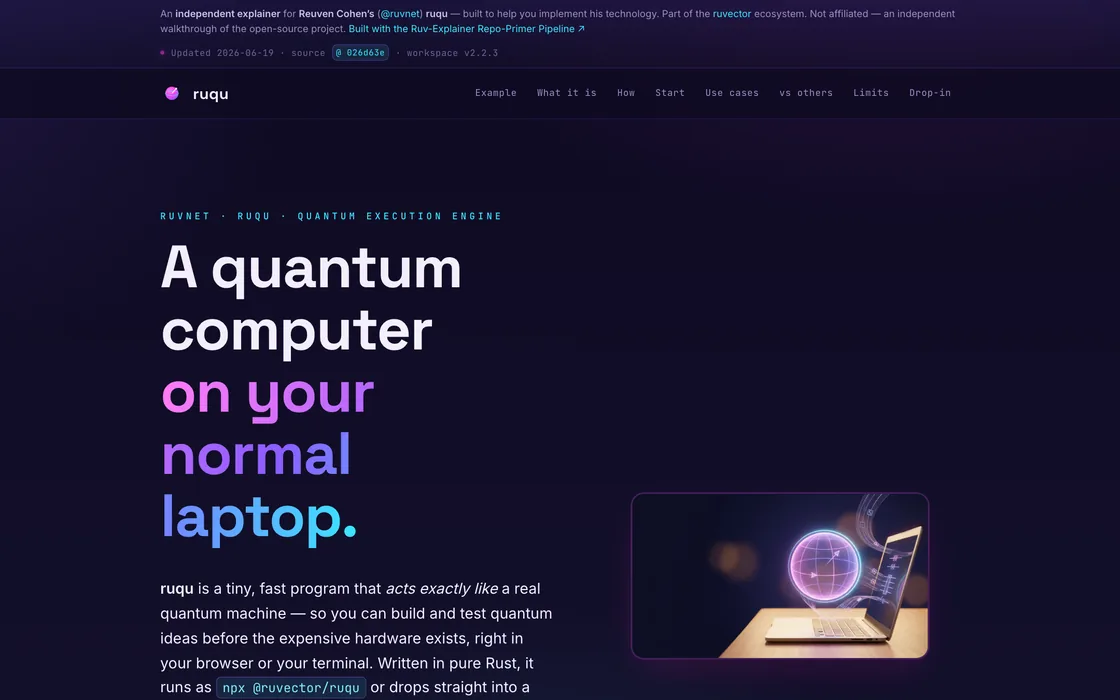
A quantum-computing simulator that runs in your browser — a faithful machine in pure Rust and WebAssembly.
View explainer
Turns a question into a graded, cited evidence dossier — every claim carries a receipt, every source a grade.
View explainer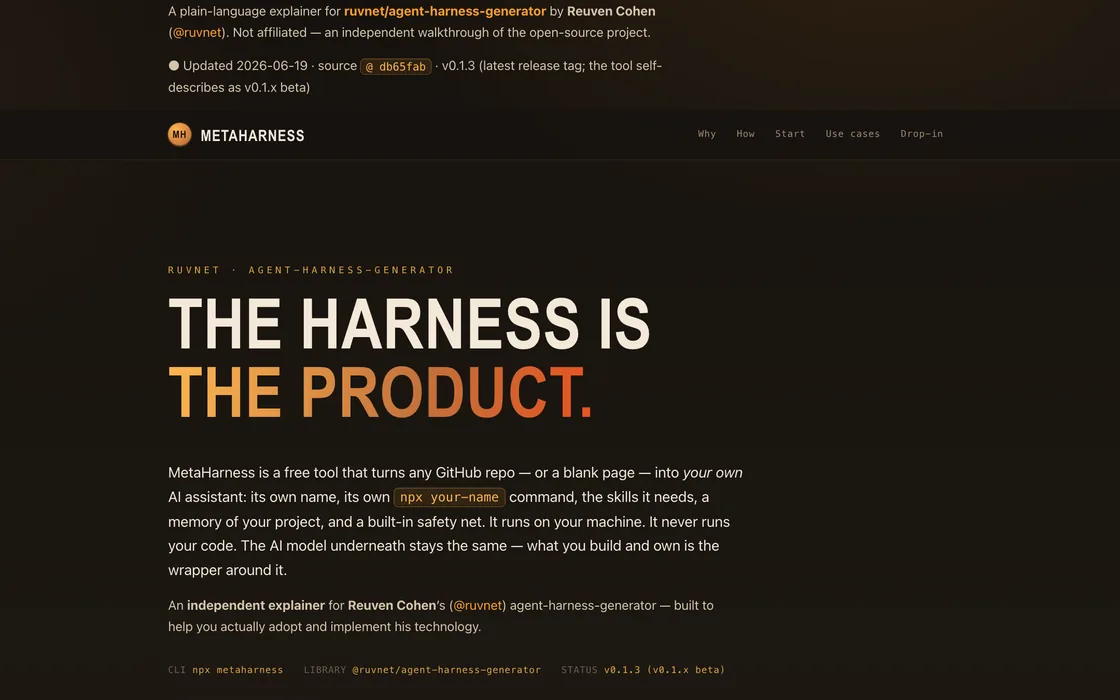
Gives any project its own AI assistant that knows that project — a factory for bespoke agent harnesses.
View explainer
Replaces manual testing with a fleet of specialist AI agents — quality engineering, automated end to end.
View explainera dozen bespoke pages shipped for dozens of developers — each one positioning a repo the way a README never could. Different people, different repos, one quality gate. Yours takes about half an hour.
 RuViewruvnetmcp-studioruvnetruosruvnet
 autonomous-wealth-buildercmcgrath2023
 agentic-kitpacphi
 open-connectoroomol-lab
 ternlightsoycaporal
 agentic-development-playbookmanjast
 cliaiki-sh
 imisufficiently-advanced-ai
 agentveil-sdkagentveil-protocol
 BHIL-AI-First-Development-ToolkitPolymathWizard
 aisp-open-corebar181
 hermexuzairansaruzi
 gathering-architectklarahermesz
 Fabricdanielmiessler
 honohonojs
 chalksindresorhusagenticowruvnet
Yours belongs up here. Build it — if it passes the gate, it joins the wall.
Get started
Public repo → easiest right here: paste the URL, zero keys, we build it on ours. Private repo you own → run the npx command inside VS Code / Claude Code, where your keys and your GitHub access already live. Same engine, same quality gate, either way.
No keys, no install, no terminal. Drop a public GitHub URL and we run the full AI build on our keys, then hand you the live link.
Starting up…
This takes a few minutes. You can safely leave — we’ll email you the link too.
Something went wrong. Please try again.
Recommended: run this inside a VS Code / Claude Code session, in a project whose .env already holds your keys — everything is picked up automatically. Private repo: gh auth login first.
npx explainmyrepo <github-url> --ship-best-effort
OPENAI_API_KEY — imagery + the quality gate (required)ANTHROPIC_API_KEY — not needed in Claude Code: the brain rides your Claude login. Bare terminal only.NETLIFY_AUTH_TOKEN — the live URL (optional; --no-deploy builds the full page locally)Set them in your project's .env — the CLI checks everything up front and tells you exactly what's missing and how to fix it.
It’s fully open source — pull it down, read it, run it, star it: github.com/stuinfla/Repo-Explainer
You did the hard part — you built something real. One command turns it into a page people actually read, an AI pack their assistants understand, and a first impression that finally matches the work.
npx explainmyrepo <github-url>
Your turn
Thirty seconds. Grade it, tell me what worked or what’s missing, drop an idea or a repo you’d point it at. It comes straight to me — real feedback shapes what this becomes.
That goes straight to me. If you left an email, I may follow up.